HomeEmail AI Bot

Your AI email assistant.
Inbox zero.
On autopilot.

30 minutes to liveManaged from your dashboardNo contractsPOPIA-aligned

What is an AI email assistant?

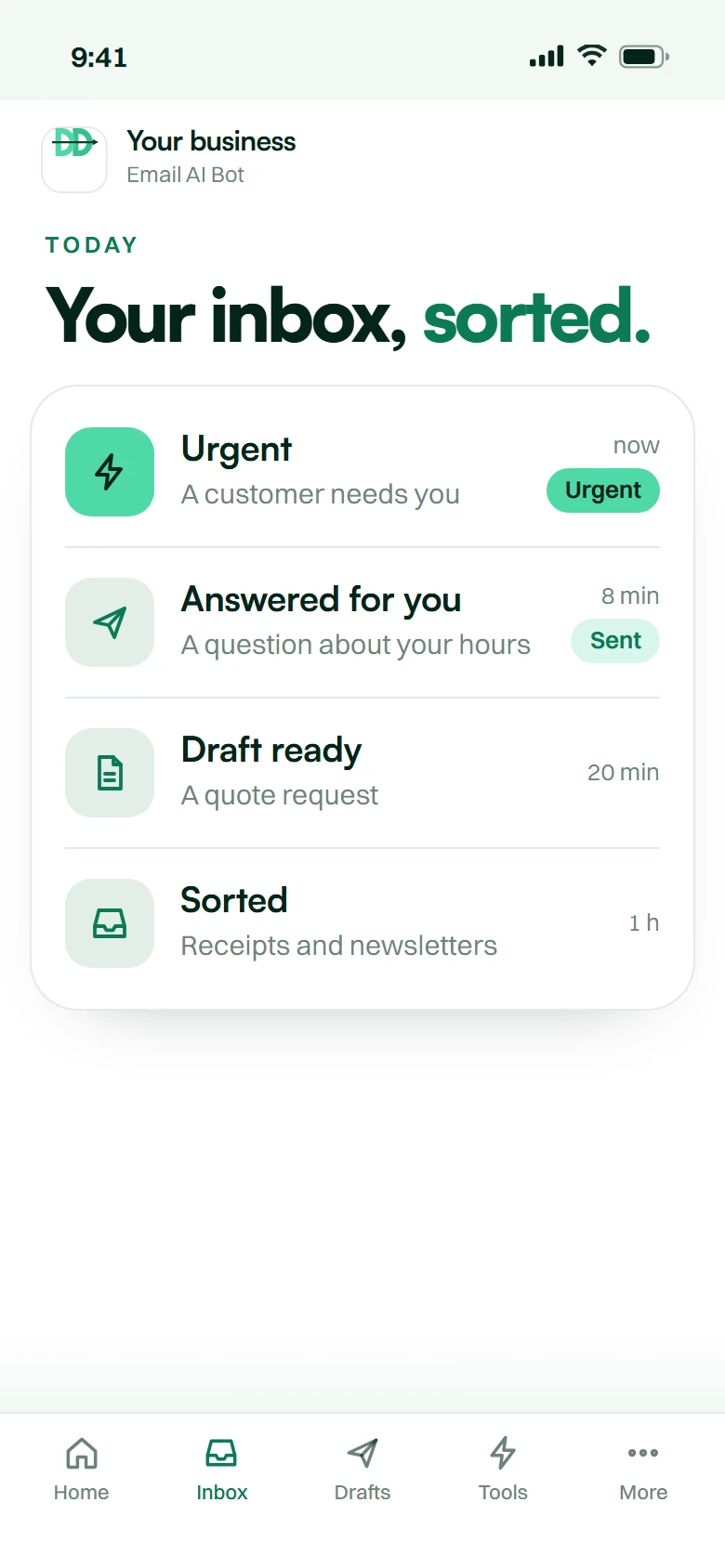
An AI email assistant reads your inbox, sorts mail by urgency, answers the routine ones itself and escalates the rest to a person — connected to Gmail, Outlook or Zoho.

Sound familiar.

  1. 142 emails overnight. Three of them mattered.

  2. Customers wait a day for a two-line answer.

  3. Your best rep spends the morning on order-tracking mail.

And every day it costs you.

  • A quote request waits while a newsletter gets read.

  • The complaint becomes a review.

  • Your reply time is your reputation.

The fix

Your inbox, at 09:14.
Already handled.

What you get

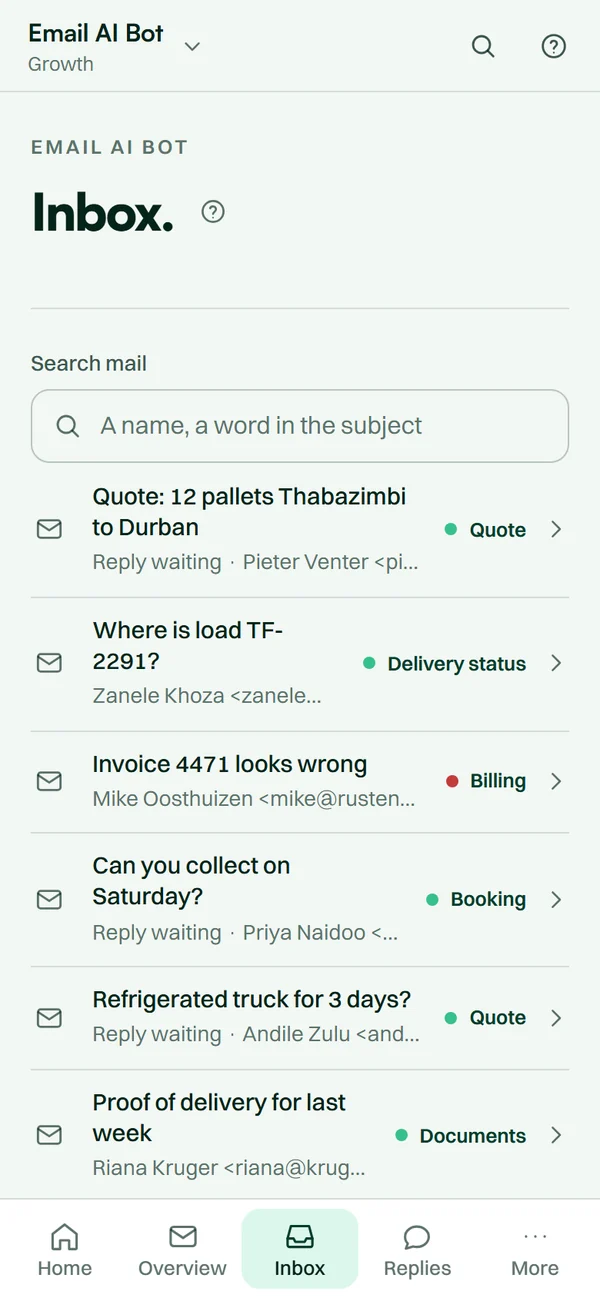
Every email read, classified and answered.

  1. Reads every email. Answers most of them.

    Classified and scored the moment it lands. Routine mail answered; the rest drafted for one click.

    312 unread Answered in minutes
  2. Sounds like your best support rep.

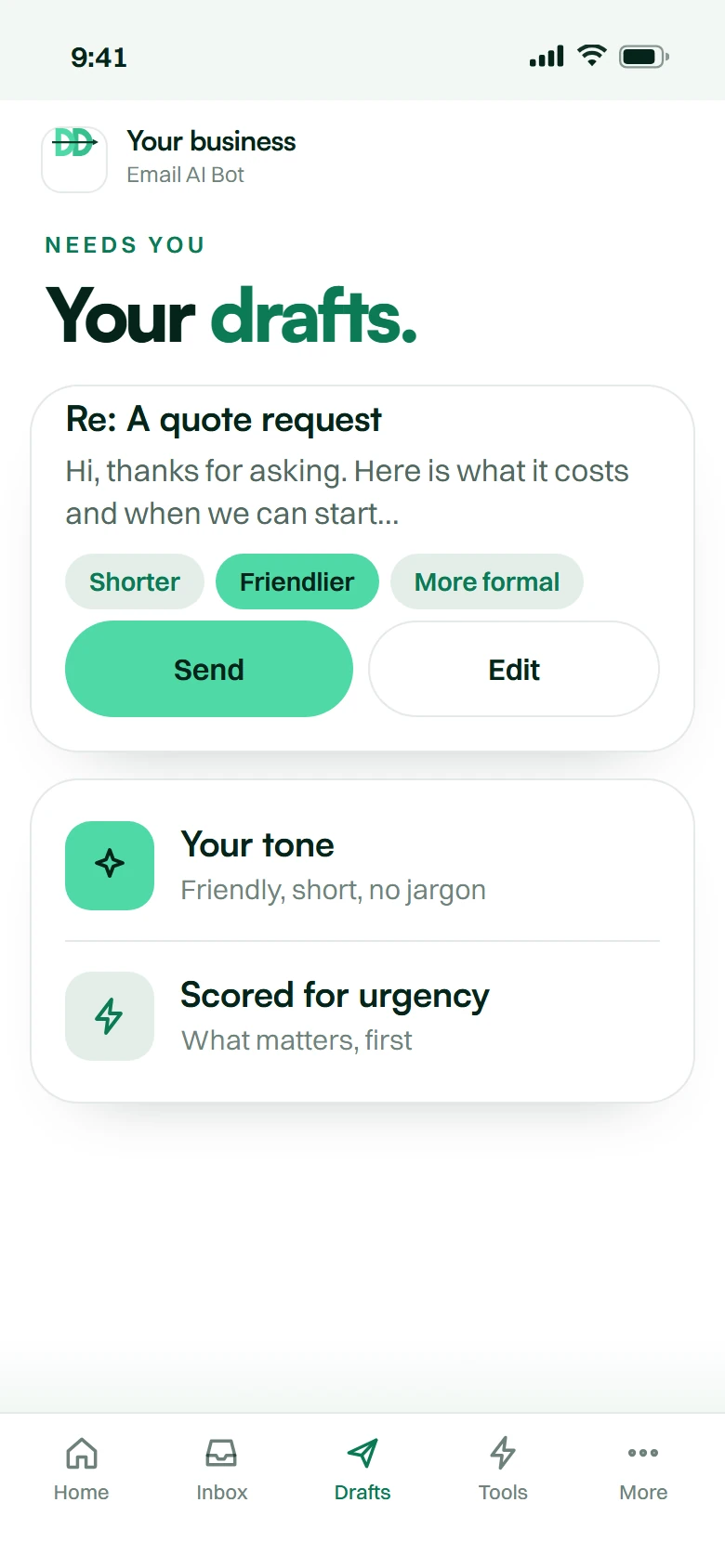
    Trained on hundreds of your previous replies, so the tone is yours.

    A pasted template In your voice
  3. Escalates only what matters.

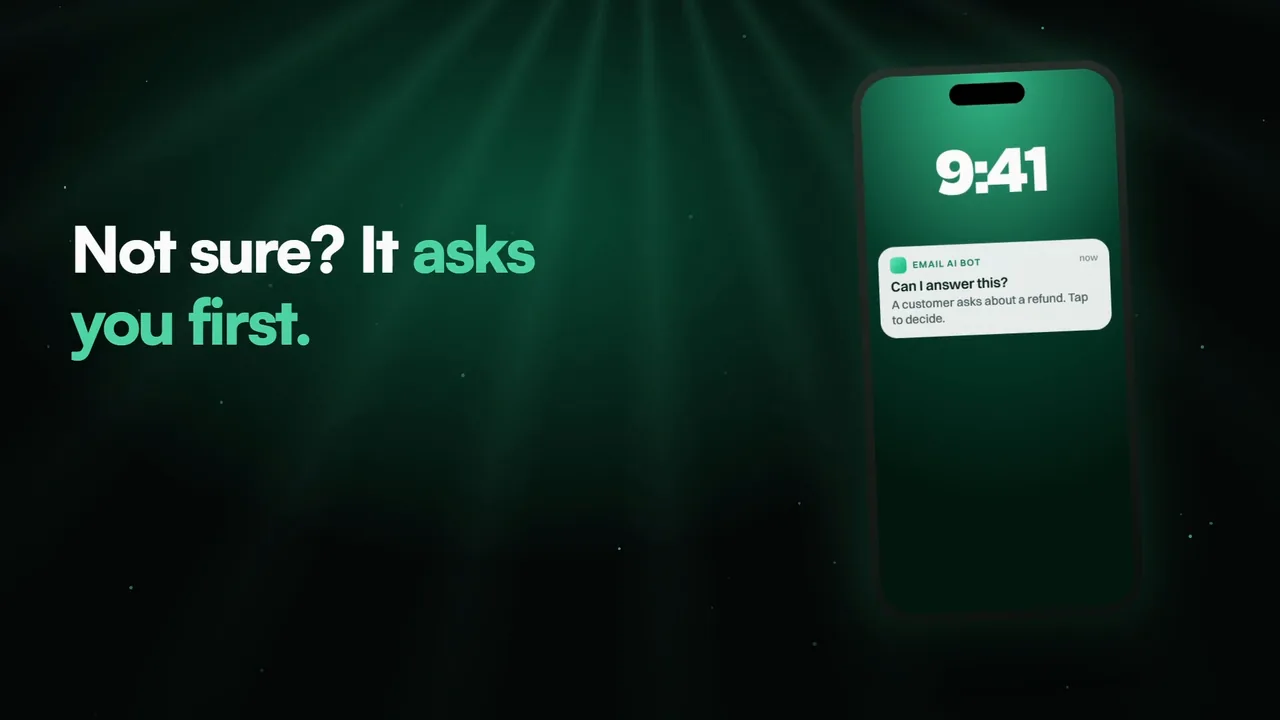
    Refunds, complaints, VIPs and custom quotes go to the right person, by rules you set.

    Every mail to you Only 3 escalated

Everything else it does

  • AI triage and auto-replyEvery email read, classified and prioritised. 70–85% auto-resolved instantly. Edge cases drafted for one-click human send.
  • Tone and voice matchedTrained on hundreds of your previous replies. It sounds like your best support rep, not a generic AI bot.
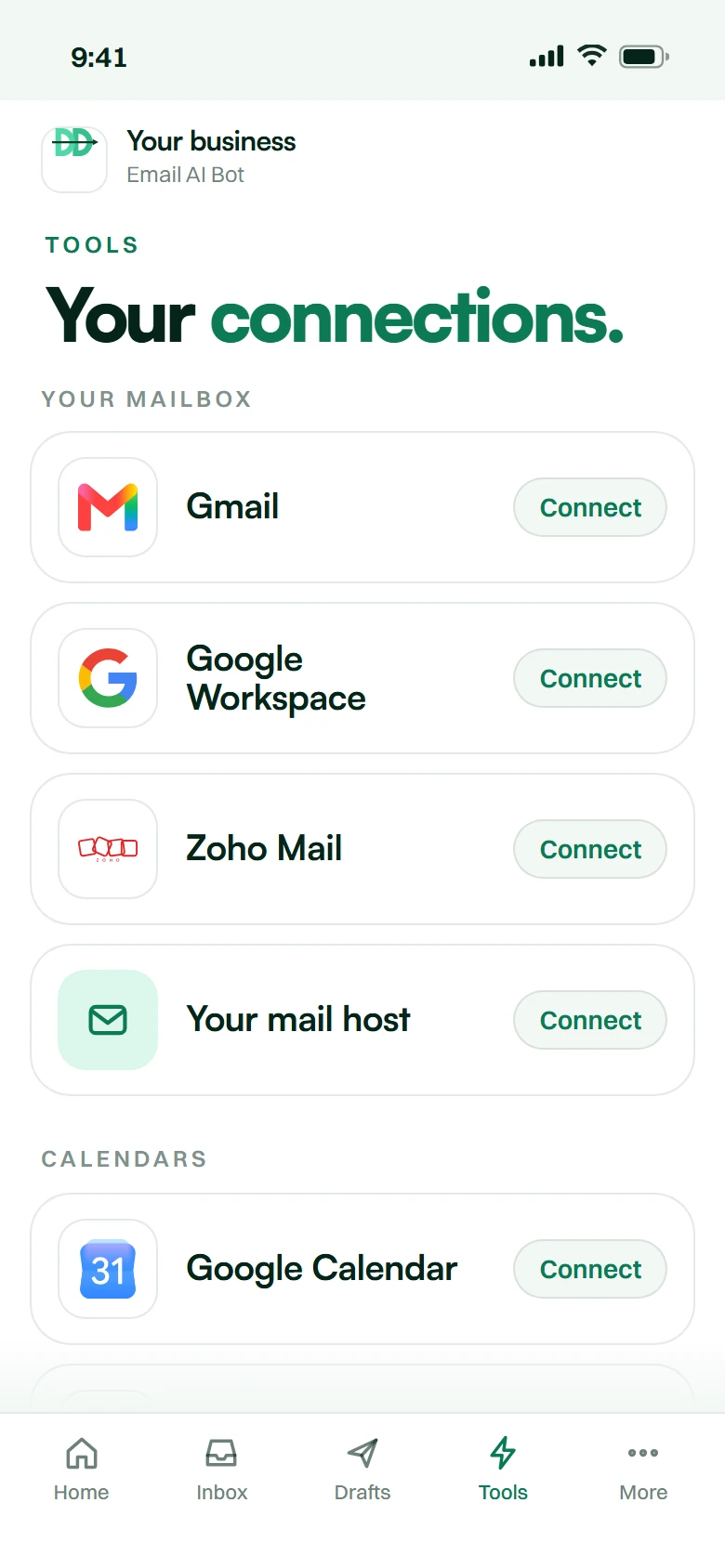
  • Gmail, Outlook, Zoho, customConnects to the email you already use — Google Workspace, Microsoft 365, Zoho, FastMail, custom SMTP. No address change, no migration.
  • Smart escalation rulesRefunds, complaints, VIP customers, custom quotes — routed to the right person instantly, by rules you define.
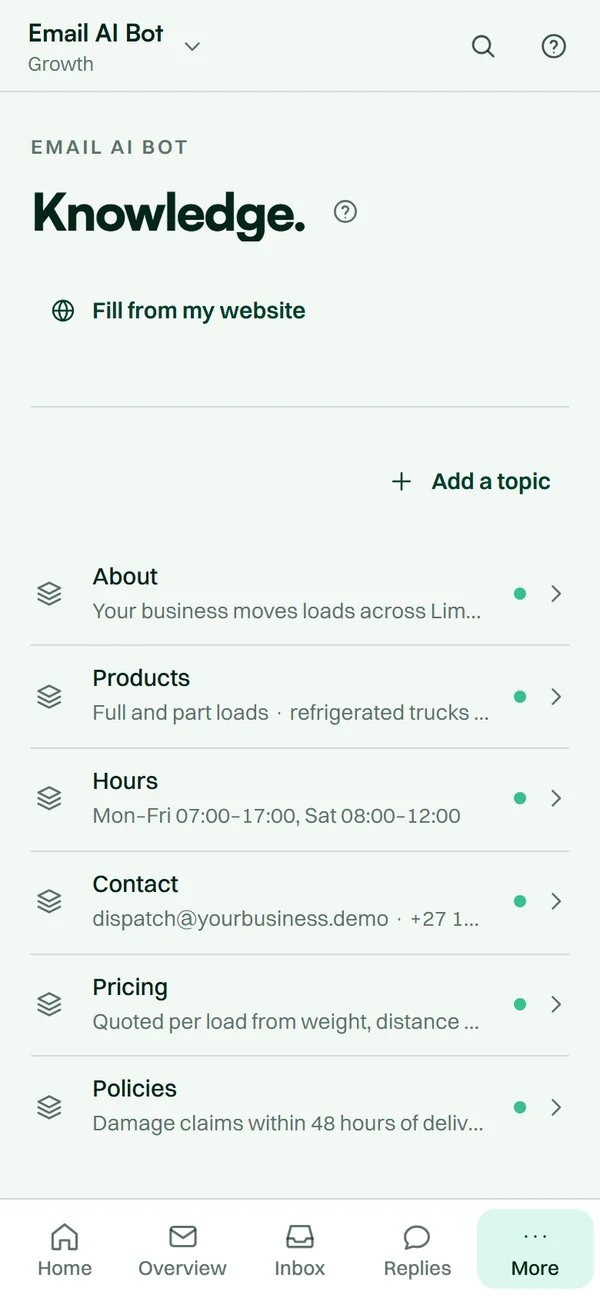
  • Knowledge-base trainedWe index your FAQ, help docs, product specs, return policy and T&Cs so replies pull facts from your truth, never a hallucination.
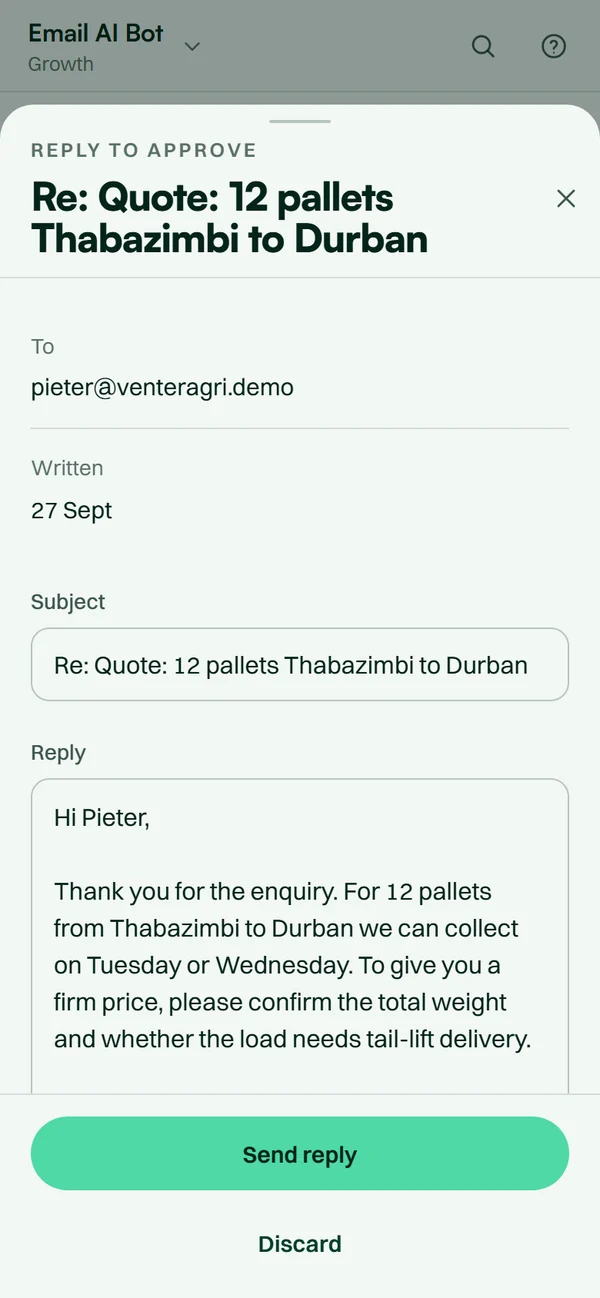
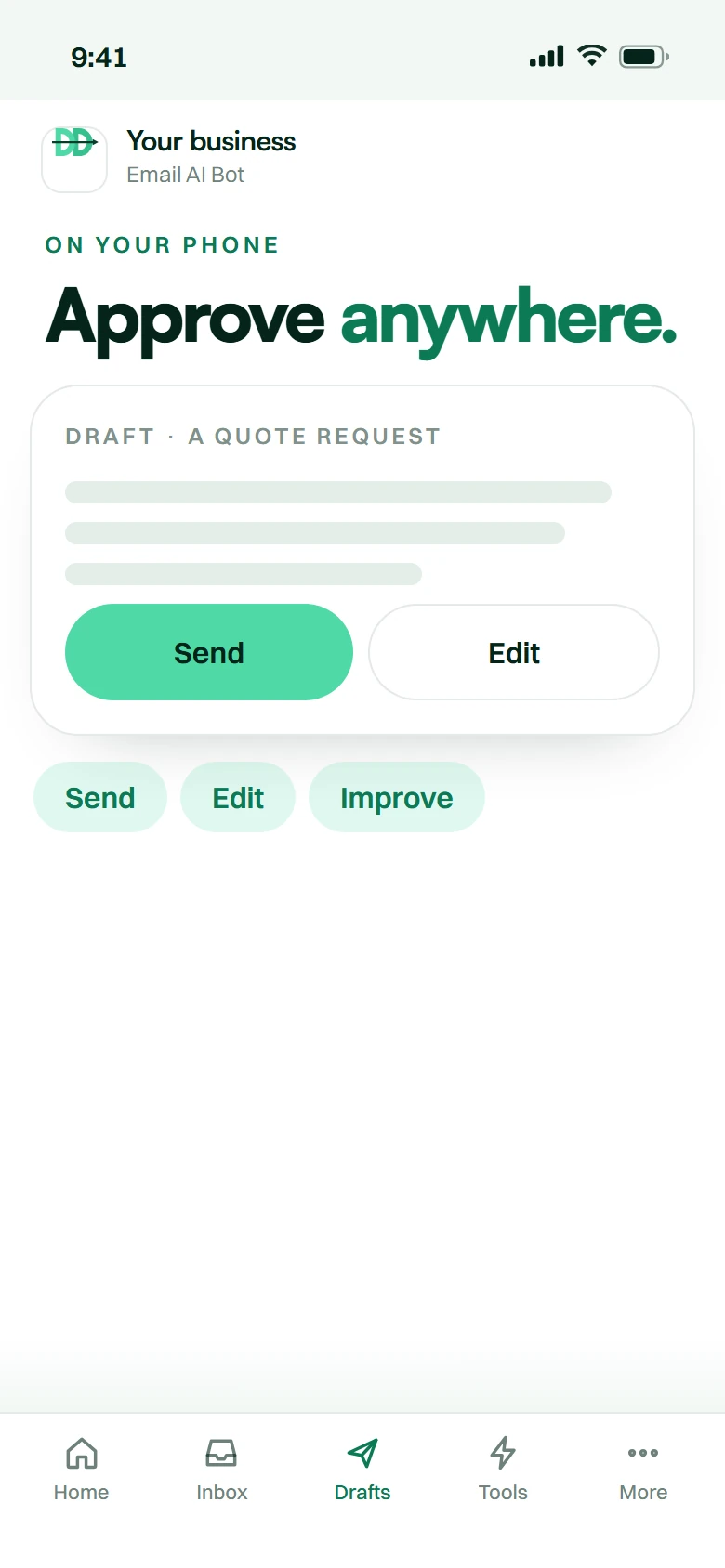
  • Draft and approve modeNot ready to let it send? Run in draft mode — every reply lands in your inbox for one-click send. Switch to auto when you trust it.
The offer

Your inbox, handled.
You read what matters.

Every email read and answered in your voice, the important five left for you.

30 minutesto live
22hReclaimed per support rep, weekly
Month to monthcancel anytime
POPIAaligned by design
Everything you get
  • Every email read and scored for urgency
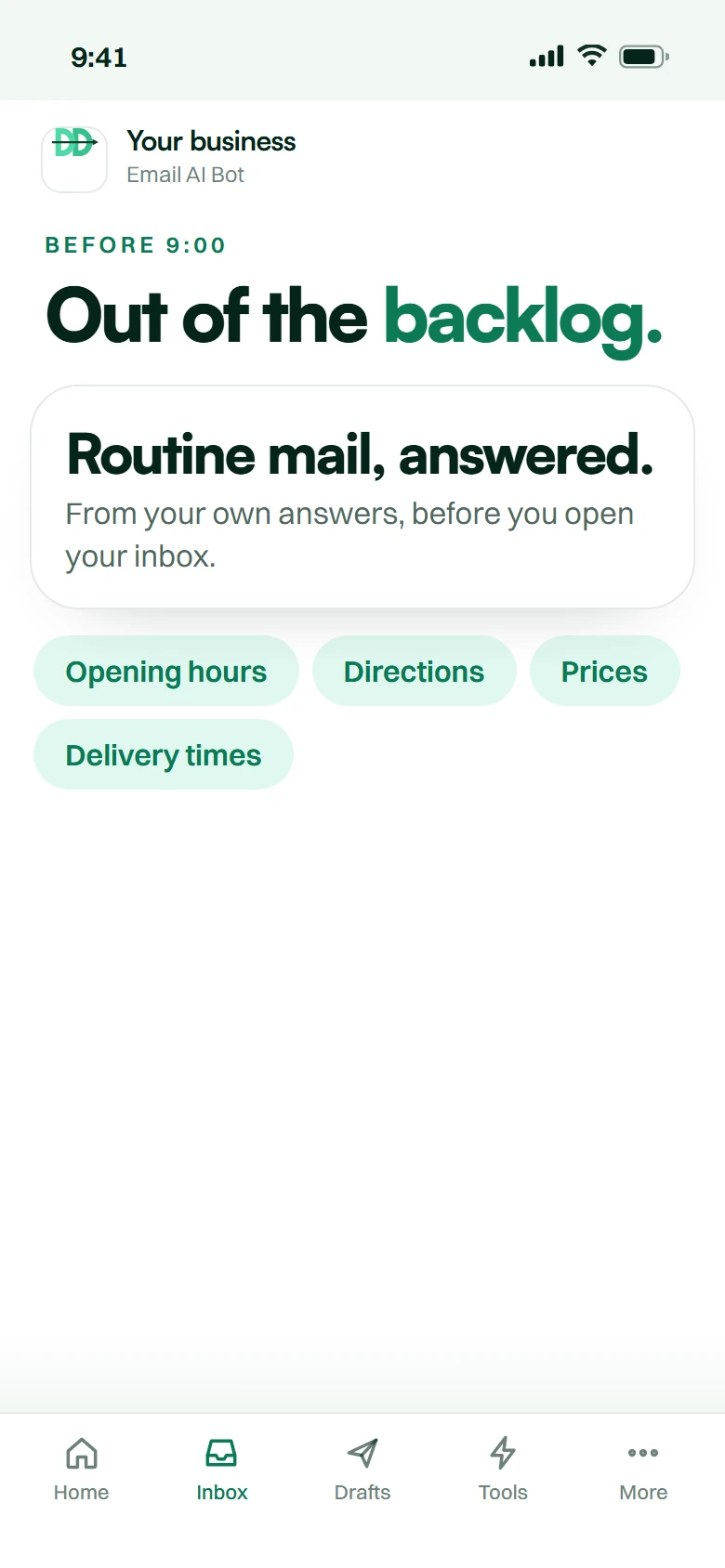
  • Routine mail answered from your own knowledge base
  • The rest drafted for one-click send
  • Trained on how your business already replies
  • Gmail, Outlook, Zoho or your own mail host
  • Live in 30 minutes
  • Month-to-month, cancel anytime
Your investmentFrom R349 a monthR500 setup once — R849 today, then monthly by debit order.

Month-to-month. Cancel anytime. No contracts.

How it goes live

Thirty minutes.
Not two weeks.

Live in 30 minutes, Mon–Fri 08:00–16:30 SAST. Outside that window, 08:30 the next business day.

  1. 01 Minute 0

    Sign up

    Pick your product and tier, answer the onboarding questions, and settle setup plus your first month in one go.

  2. 02 Minute 1–20

    We build and train

    Trained on your business, your products, your tone and your FAQs — automatically, while you wait.

  3. 03 Minute 20–30

    You review

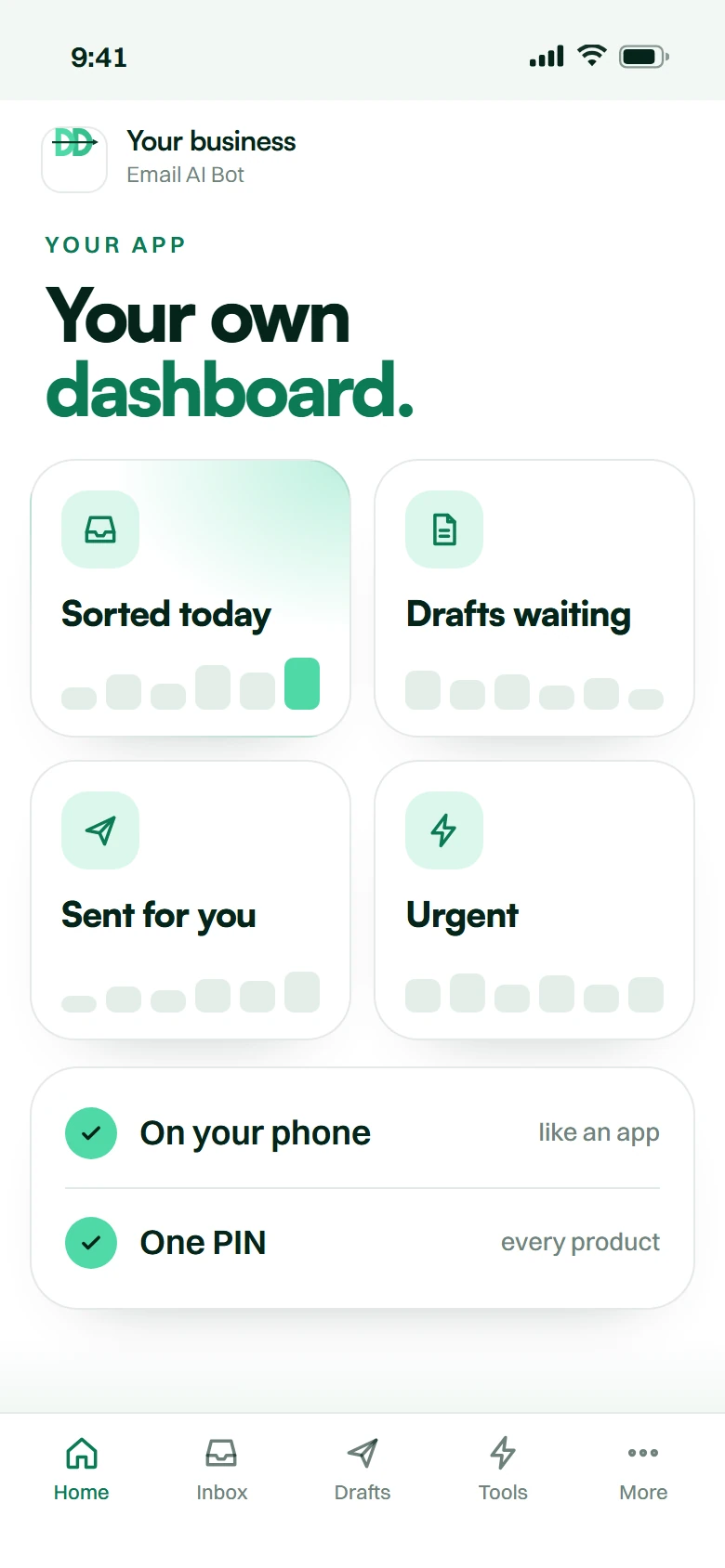
    It lands in your dashboard. Test it, tweak the tone, change the answers from your phone.

  4. 04 Minute 30

    Live

    One line of code, or a number you already own. Then we monitor, update and scale with you.

Email AI Bot
answered.

It starts at R349 a month plus a R500 once-off setup fee — R849 at checkout, then R349 a month by debit order with the first recurring charge a month later. No contract and no per-seat licence. The honest comparison is not Microsoft Copilot, which comes bundled with your mail; it is the part-time administrator you were about to hire to watch info@.

An AI email assistant is an agent connected to a business mailbox that reads every incoming message, classifies it, scores it for urgency, answers the routine ones using your business rules and price list, and escalates the rest to a person with the thread summarised. It works on shared inboxes like info@ or sales@, not just one person's mail.

We connect through OAuth — the same permission mechanism your phone uses. We never see, receive or store your password, and you can revoke our access from your own Google or Microsoft admin console at any time without contacting us. Your mail is not used to train any public model, retention windows are set by you, and the build follows POPIA principles.

Copilot and Gemini help you write faster: they summarise a thread you are reading and draft a reply for you to send. They do not watch a shared mailbox overnight, classify by urgency against your business rules, answer routine enquiries from your own price list and escalate the rest. If you only need faster typing, use Copilot — it is already paid for.

Yes, and that is the sensible way to start. In draft mode every reply is written and waits for one click. As you get comfortable you can clear specific categories for automatic sending — opening hours, delivery areas, order confirmations — while everything else stays in draft. You control the line and can move it at any time.

Yes, both — Google Workspace and Microsoft 365, plus standard IMAP mailboxes. You do not change your email address, your hosting or your provider, and nothing about the way you already read mail changes. It works on multiple mailboxes and on shared inboxes.

It is trained to escalate rather than guess. When it is not confident it drafts instead of sending, or hands the whole thread to a person with a summary attached. You also get a log of every message it handled and what it did, so a wrong answer is visible immediately rather than discovered by a customer three weeks later.

That is most of the value. It scores every message for urgency and intent using your rules — a cancellation, a complaint, a large quote request or a named key account gets flagged and can escalate urgent emails to Slack or Microsoft Teams so somebody actually sees it. The routine noise gets handled quietly underneath.

We train it on your real correspondence, your price list, your policies and your FAQs during setup, then you review the answers and correct anything that reads wrong. After go-live you edit tone, rules and answers from your dashboard, and it learns from the corrections you make to its drafts.

Yes. It reads attachments, extracts what matters from a PDF quote or order, files the document and logs the details. Invoice and order emails are the most common case — the data goes where it needs to go without anybody retyping it.

Yes. It sends multilingual email replies in the language the customer wrote in, across all eleven official South African languages. A customer who emails in Afrikaans gets an Afrikaans reply without anybody switching anything on.

That is your call and we recommend being straightforward about it. Replies go out under your business identity in your tone. A short line saying an assistant handled the first response and a person is available — it costs nothing in conversion and it earns trust when a human does take over.

Yes, and that is the main use case. info@, sales@, accounts@ and support@ are exactly the mailboxes that need it, because they belong to everybody and therefore to nobody. It gives you shared inbox software behaviour without moving your team onto a new ticketing tool.

Because ChatGPT does not have your inbox. It does not know your price list, your stock, your delivery areas or which of these senders is a key account, it cannot see a message arrive at 03:00, and somebody still has to copy the email in and the answer back out. Pasting a thread into ChatGPT is faster typing; this is a mailbox that is already handled when you open it. Both have their place, and if copy-paste is genuinely working for you, keep the money.

No developer. The build takes 30 minutes, Mon–Fri 08:00–16:30 SAST, SA public holidays excluded. You connect the mailbox with OAuth, we train and test it, you review it, and it goes live. Sign up outside those hours and it lands at 08:30 the next business day.

Short version: it is the difference between an inbox somebody has to get to, and an inbox that is already handled.

The problem is the shared inbox, not your inbox

Almost every South African SME has one address that quietly runs the business — info@, sales@, accounts@ — read by three people, owned by none of them, and answered whenever somebody has a gap. An AI email assistant is an agent that watches that mailbox continuously: it reads every message, classifies it, scores it for urgency, answers the routine ones on your rules, and escalates the rest with the context attached.

The category has several names and they are worth saying out loud so you can find us: email automation, an email bot, an AI inbox, email triage, an automated email response system, inbox management, shared inbox software, email customer service automation, or simply a smarter auto reply. It is all the same job.

You already have Copilot or Gemini. Here is the honest difference.

If you pay for Microsoft 365 or Google Workspace, you already have AI in your mail. Copilot for Outlook and Gemini in Gmail are good, they are included, and pretending otherwise would waste your time.

What they do is help you write faster. They summarise a thread while you are looking at it and they draft a reply for you to send. What they do not do is watch a shared mailbox at three in the morning, decide that this particular message is a quote request from a returning customer and that one is a supplier invoice, answer the first from your price list, file the second, and wake somebody up about the third. That is a different job, and it is the one we do. If all you need is faster typing, keep your money and use Copilot.

Is it safe to give AI access to my email?

The fair question, and it stops more sales than price does. We connect through OAuth, the same mechanism your phone uses — we never see, hold or store your password, and you can revoke access from your own admin console in one click without telling us.

You choose how much rope it gets. In draft mode it writes and you approve replies before they send, which is where almost every client starts. In auto mode it sends the categories you have explicitly cleared — order confirmations, opening hours, delivery areas — and drafts everything else. Nothing is used to train a public model, retention is set by you, and the whole thing is built to POPIA principles.

What it actually does to a working day

It reads everything and sorts it. Urgent email detection means a customer complaint or a cancellation is flagged rather than sitting eleventh in a queue. It will summarise long email threads down to what was decided, log the message and its outcome as email to CRM so your pipeline is not a separate typing job, and escalate urgent emails to Slack or Microsoft Teams so somebody actually sees them.

It handles after hours email replies, weekends and public holidays, sends multilingual email replies in the language the customer wrote in, and it exists to reduce email response time from hours to about a minute. First response speed is the single strongest predictor of whether an enquiry converts.

What it costs, and what you are comparing it to

Email automation starts at R349 a month plus a R500 once-off setup fee — R849 at checkout, then R349 monthly. No contract, cancel any time. That is the whole email automation cost in South Africa; there is no per-seat licence stacked on top.

The right comparison is not Copilot, which is bundled. It is the part-time administrator you were about to hire to watch info@ — and it is a fraction of that, awake at night, and it does not resign. For email automation for small business that is usually the decision being made.

Setup is connect AI to Gmail or connect AI to Outlook, a training pass on your real correspondence, and a review. As an email automation company in South Africa we deploy remotely from Vanderbijlpark to Johannesburg, Cape Town and Durban. Clients often pair it with a website chatbot so the same brain answers on both channels.

The honest comparison

Three ways to solve this.
Here is all three.

No brand names and no competitor prices — those go stale and we would be quoting somebody else’s numbers. This is the shape of each option.

Doing it yourself, an overseas platform, or DoubleDown AI — compared for Email AI Bot
Doing it yourselfAn overseas platformDoubleDown AI
What it costsYour team's timeTypically billed in US dollarsFrom R349 a month, billed in rands
How it startsWhoever opens the shared inbox first triages itYou configure the platform yourselfWe build it, trained on your business
Time to liveHowever long it keeps takingDays of setup, done by you30 minutes, business hours
South African languagesWhatever your staff speakRarely tuned for South African phrasingAll 11 official languages
POPIAYour responsibilityUsually governed by foreign lawAligned by design, data in your account
SupportNobody to callOverseas time zone, usually emailSouth African hours, on WhatsApp
CommitmentNone, and no system eitherAnnual plans are commonMonth-to-month. Cancel anytime. No contracts.

Let’s double
down.

Month-to-month. Cancel anytime. No contracts.

Innovate.
Automate.
Dominate.