Your AI email assistant.
Your inbox, handled.

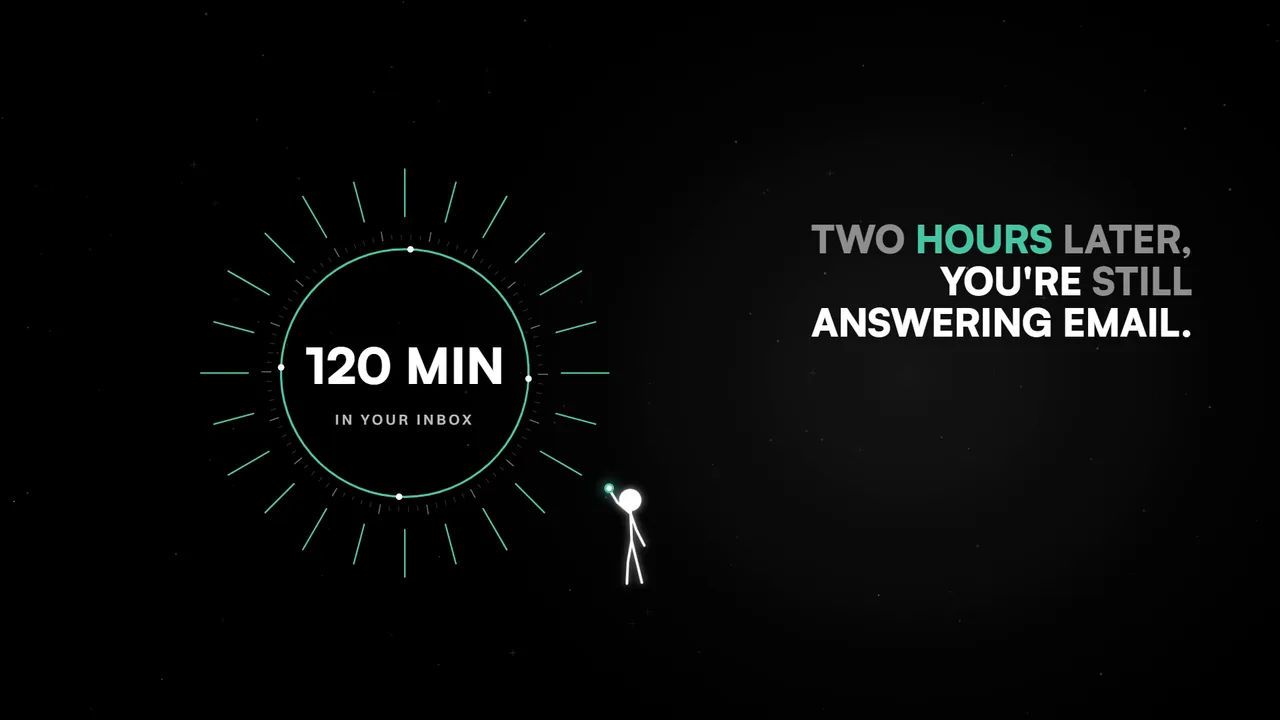
Stop. Watch this video.It’s crucial.

Must watch2 min

If you believe every email deserves a fast, proper reply.

And struggle with:

  • A flooded inbox every morning
  • Customers waiting a day for a reply
  • Urgent mail buried under the rest

That causes you to:

  • Lose customers to slow replies
  • Lose your mornings to email
  • Miss the emails that matter

While you could be:

  • Waking up to drafted replies
  • Seeing the urgent mail first
  • Spending your time on real work
The fix

We have the fix for you.

Real replies. Ready for your yes. Shown with example data.

The offer

Your inbox, handled.
You read what matters.

  • For businesses buried in email: sales, support and admin inboxes.
  • Every email read and sorted by urgency, routine mail answered from your own facts, the rest drafted in your tone.
  • Live in 30 minutes, any time, any day.
  • Your part: tap send on the drafts you want.
  • Month to month. No contract, cancel any time.
  • 20% off your setup and first month when you onboard within 30 minutes of your instant recommended plan (10% within 24 hours).

This isn’t a self-help tool. It’s a done-for-you system that takes as much of the work off you as possible.

  1. What you get

    Everything you get.

    Your inbox read, sorted and answered for you.

  2. 01

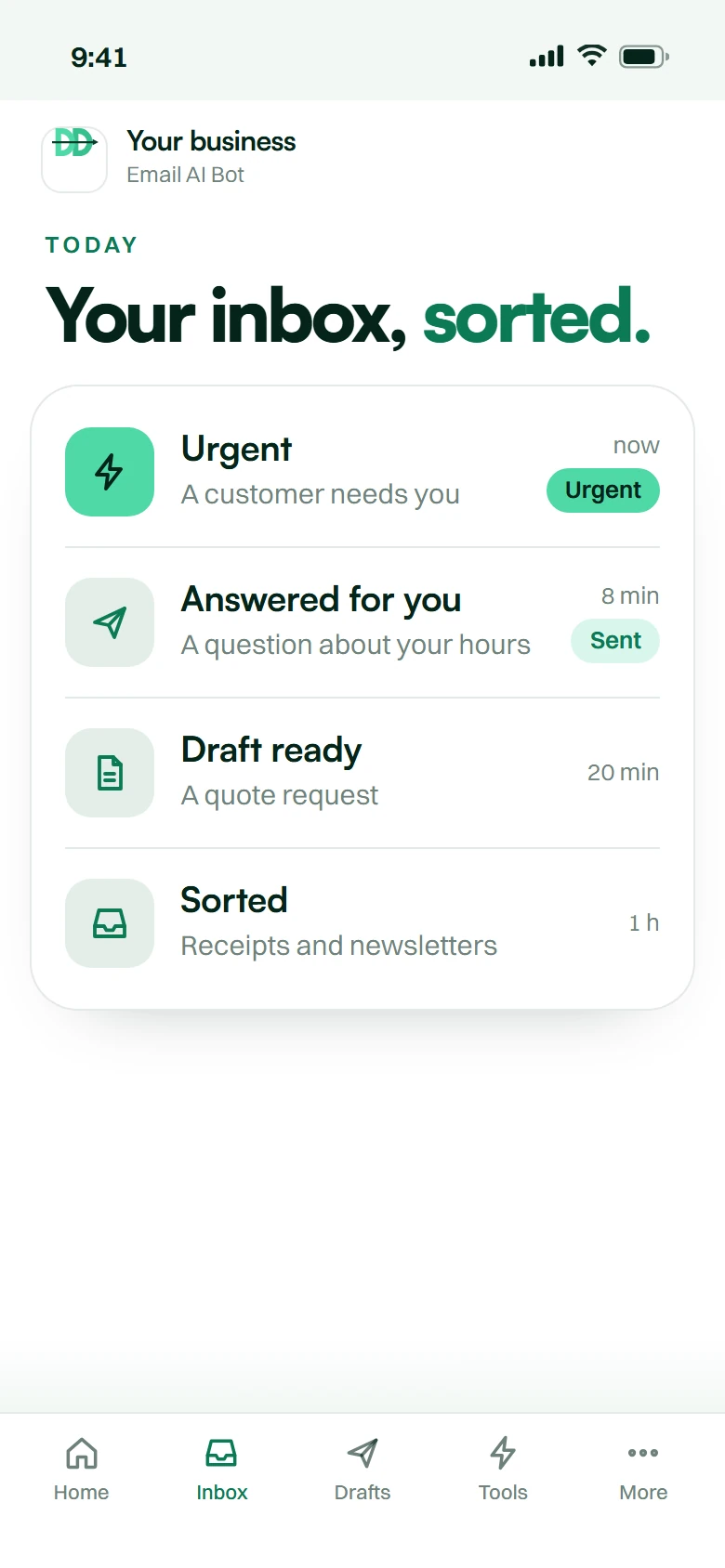
    Your inbox, sorted.

    Every email read and scored for urgency, so what matters is at the top.

    • Read for you
    • Scored for urgency
  3. 02

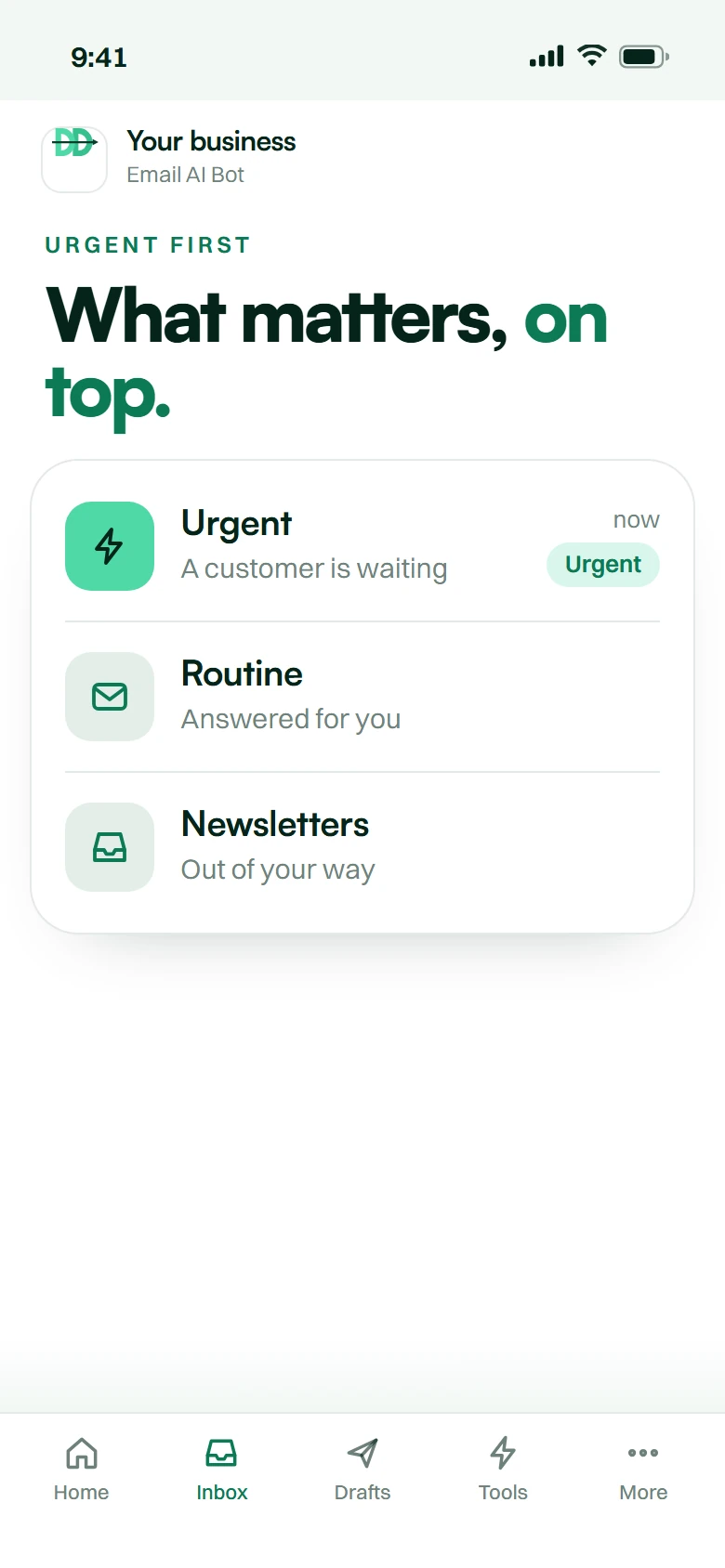
    Urgent mail first.

    Customers waiting get seen first. Newsletters stay out of your way.

    • Urgent first
    • No missed mail
  4. 03

    Routine mail, answered.

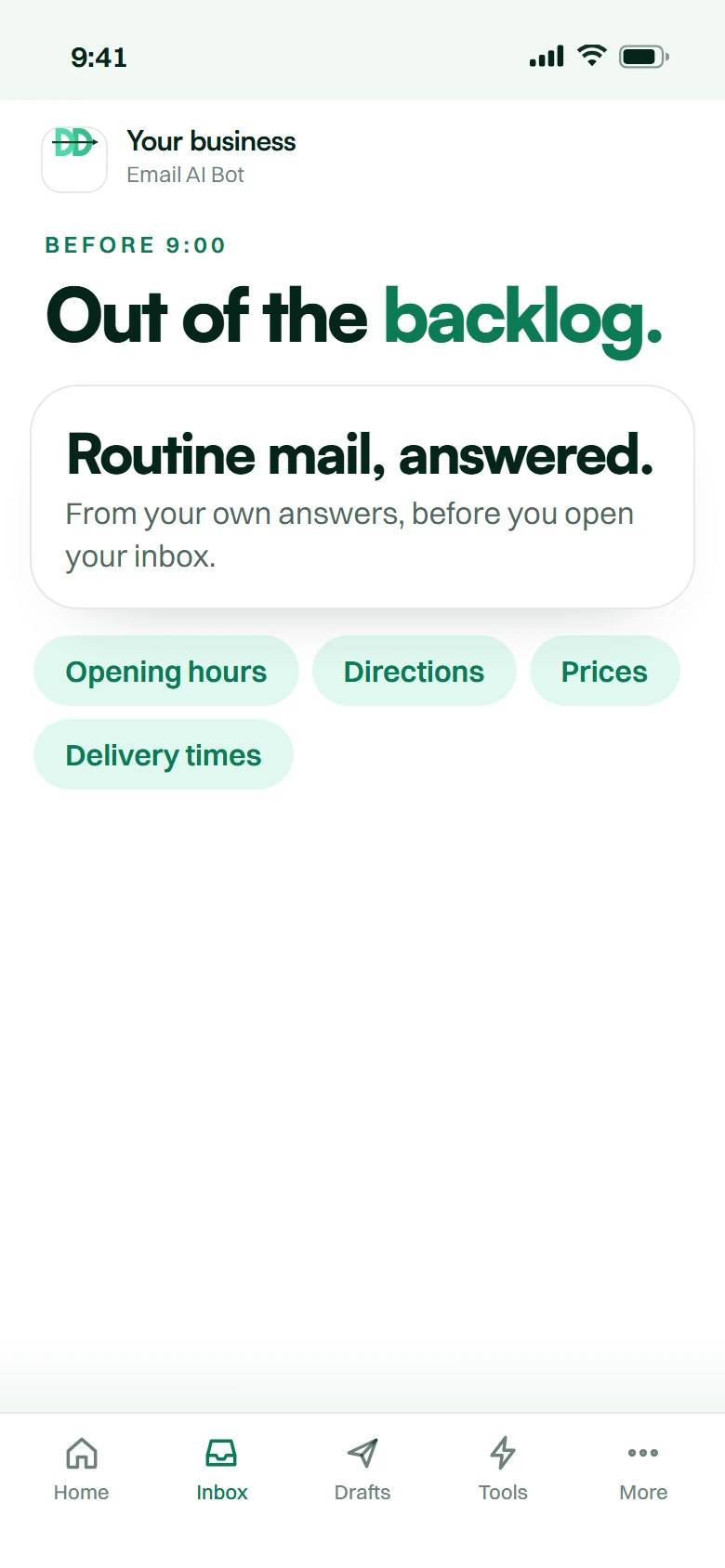
    The same questions answered for you, from your own answers.

    • Routine replies
    • Your answers
  5. 04

    Never guesses.

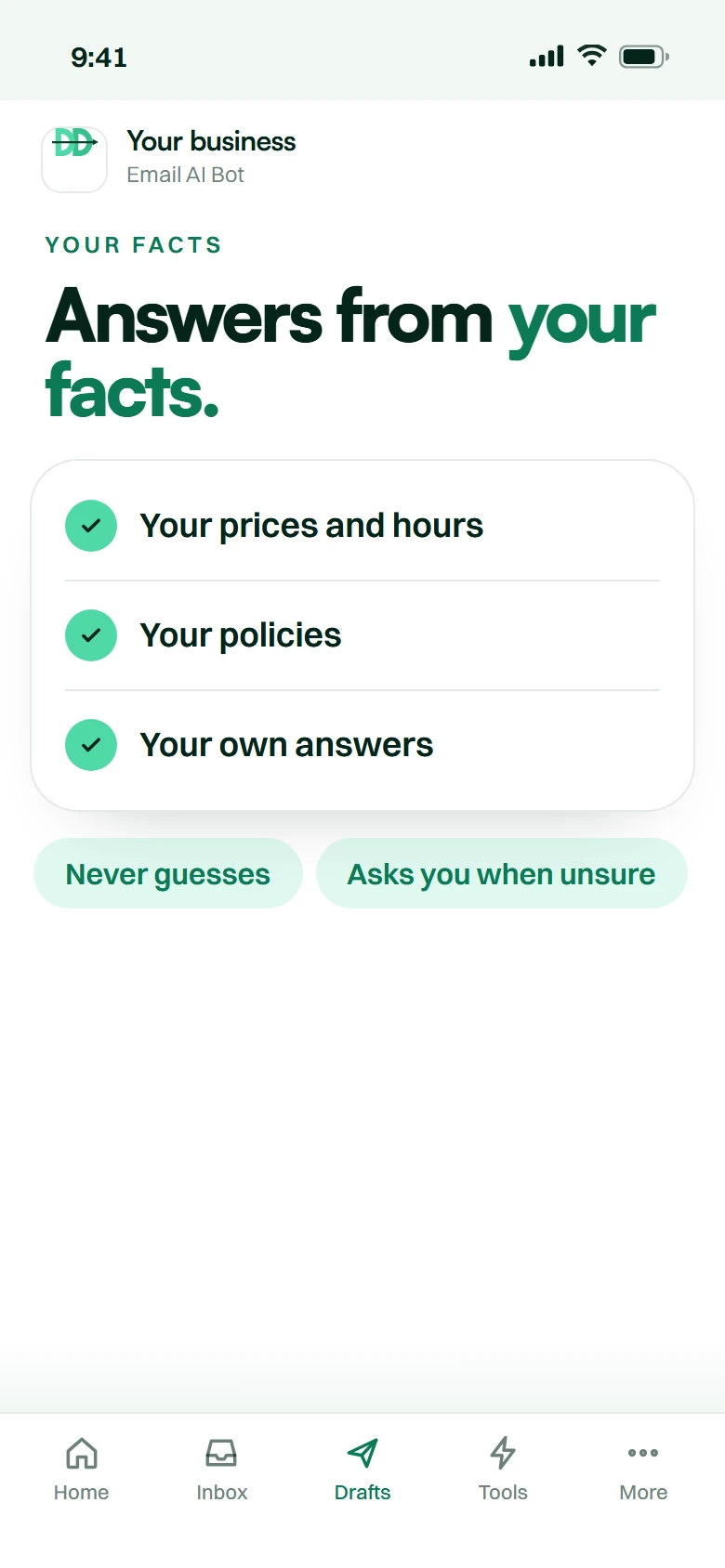
    Replies come from your prices, hours and policies. Unsure? It asks you.

    • Your facts
    • Asks when unsure
  6. 05

    Drafts in your tone.

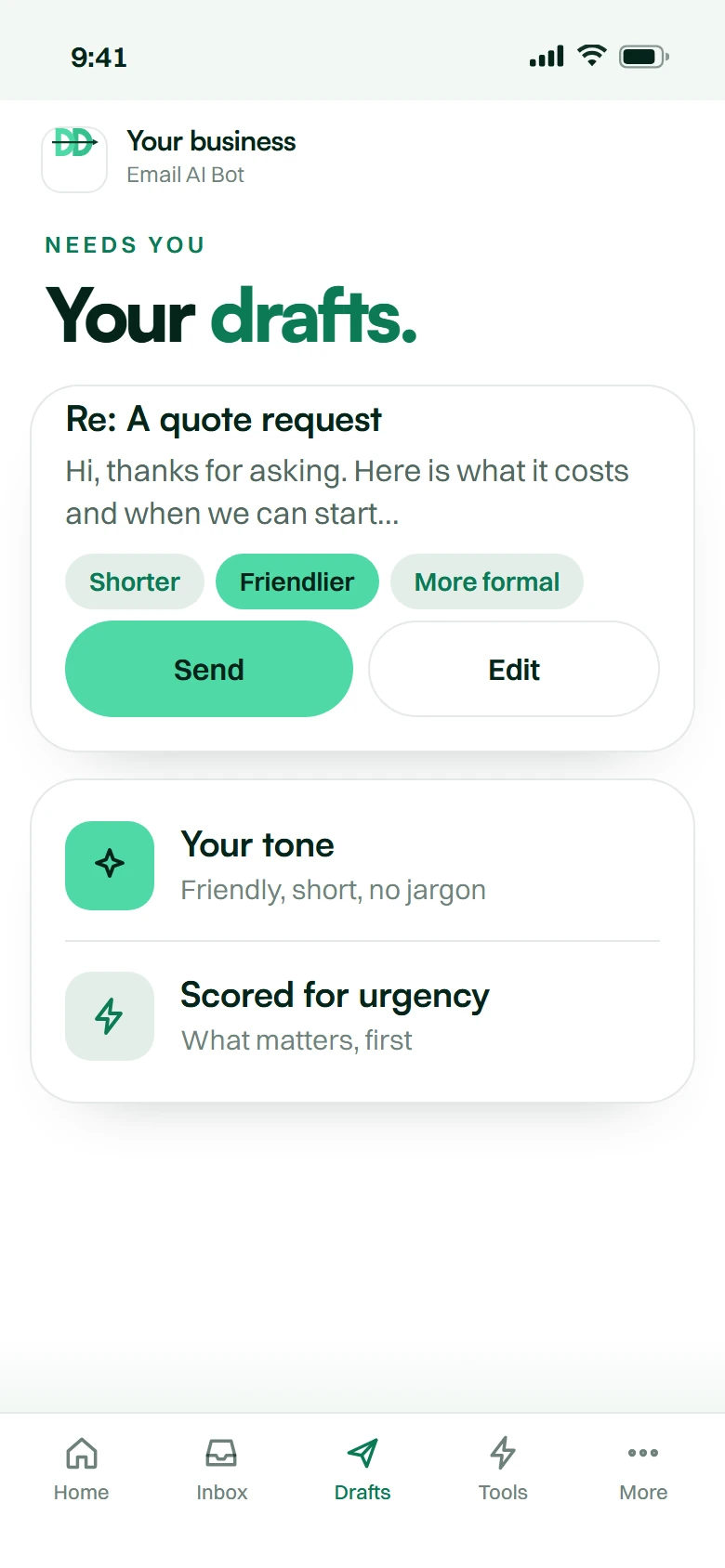
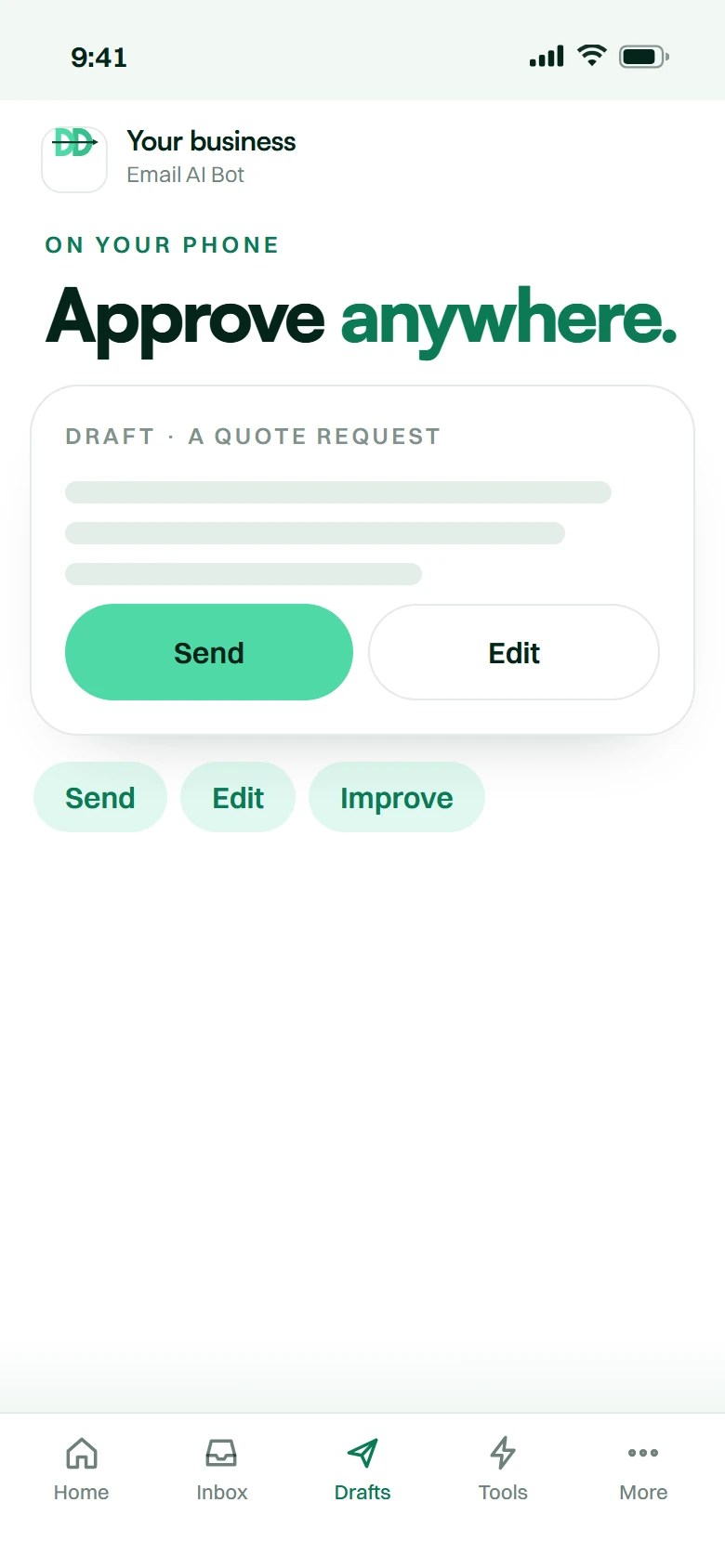
    Everything else drafted the way you write. Send, edit or improve in a tap.

    • Your tone
    • One-tap send
  7. 06

    Out of the backlog.

    No more hours in your inbox or routine questions eating your day.

    • Hours back
    • Calm inbox
  8. 07

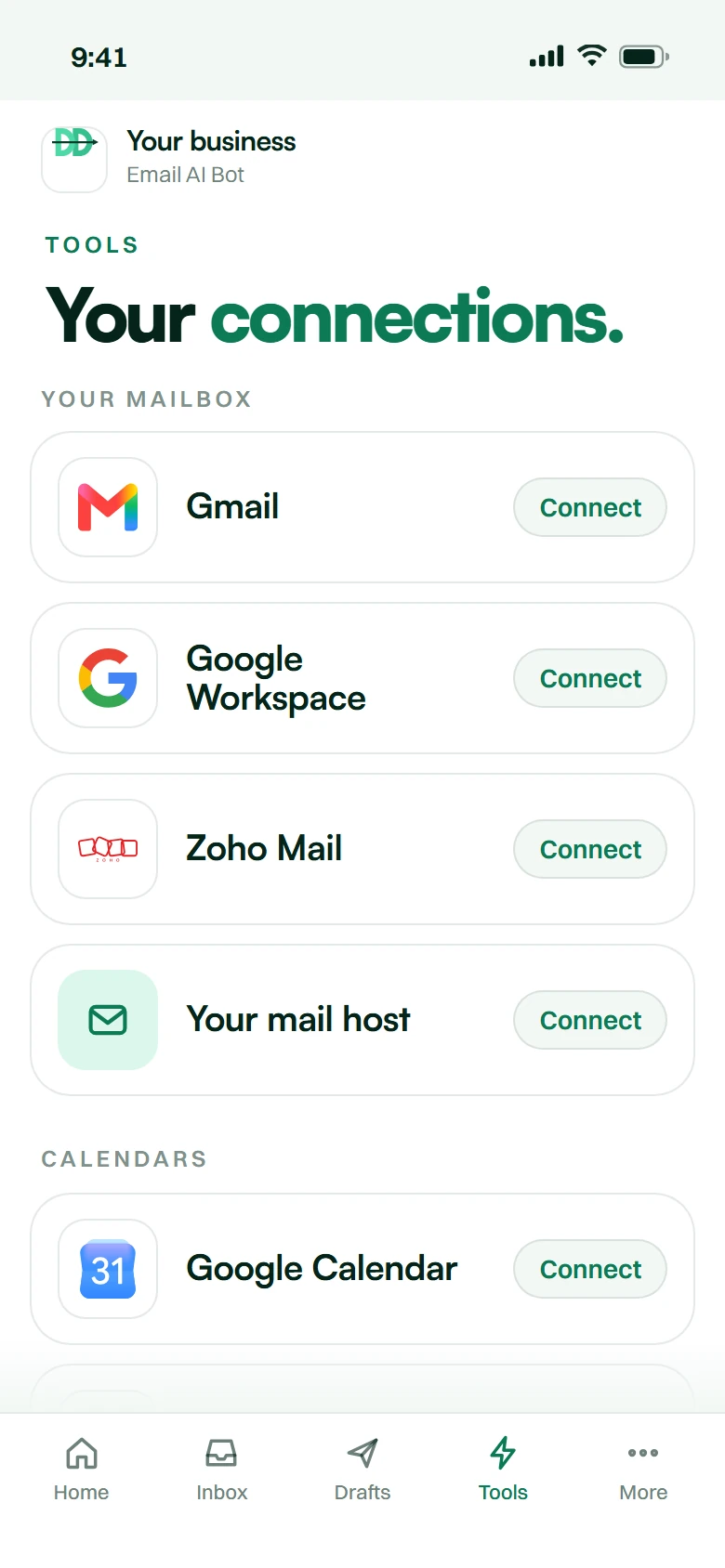
    Works with your email.

    It connects to your mailbox and the tools you already use.

    • Your mailbox
    • Calendars
    • Alerts
  9. 08

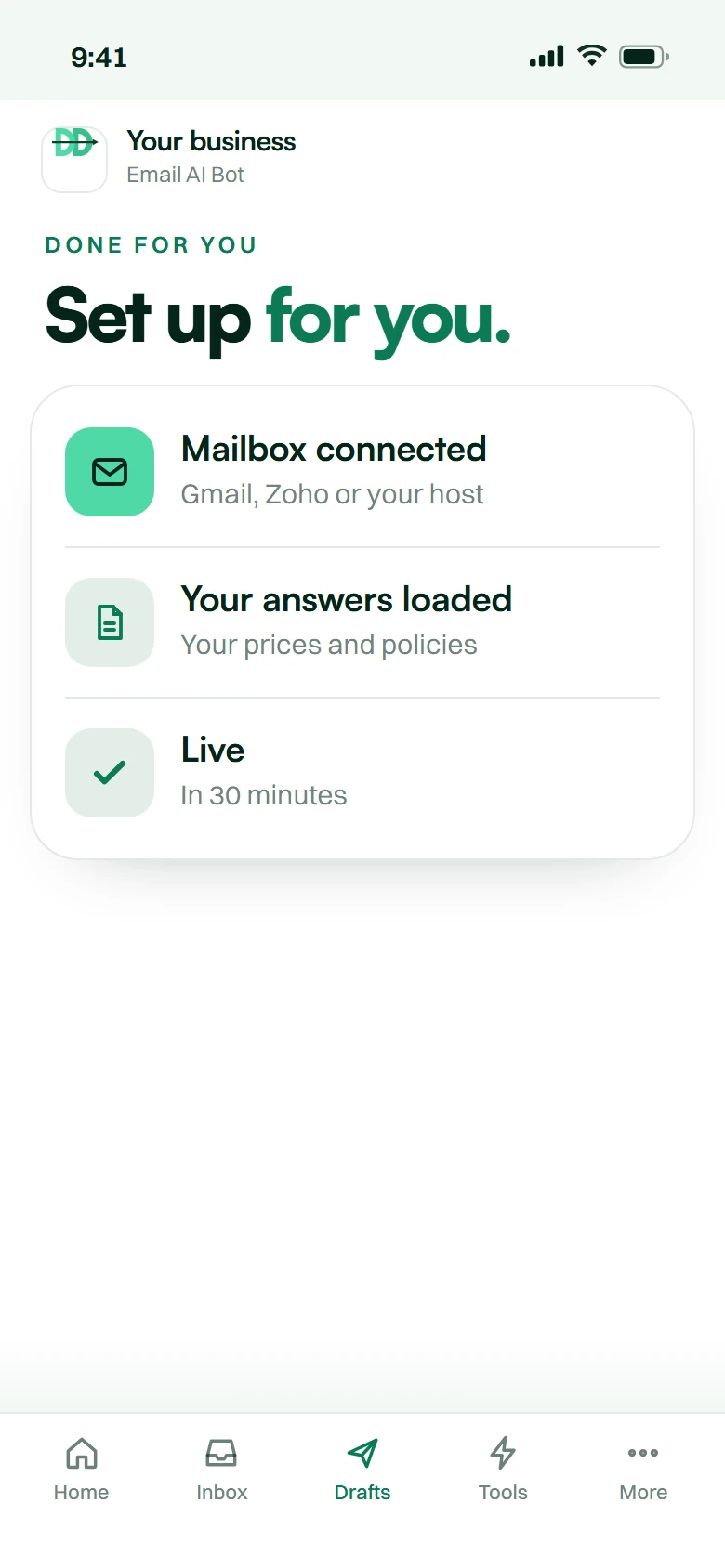
    Set up for you.

    Your mailbox connected and your answers loaded for you. Live in 30 minutes.

    • Done for you
    • Live in 30 minutes
How it goes live

Thirty minutes.
Not two weeks.

Live in 30 minutes, any time, any day, weekends and public holidays included.

  1. 01 Minute 0

    Sign up

    Open Get started on this page, pick your plan, sign the agreement and pay setup plus your first month in one go.

  2. 02 Minute 1–20

    We build it

    Set up for your business from your sign-up answers — automatically, while you wait.

  3. 03 Minute 20–30

    You review

    It lands in your dashboard. Test it, and change the settings and the wording from your phone.

  4. 04 Minute 30

    Live

    Switch it on. Then we monitor, update and scale with you.

What is an AI email assistant?

An AI email assistant reads your inbox, sorts mail by urgency, answers the routine ones itself and escalates the rest to a person — connected to Gmail, Zoho or your own mail host.

Email AI Bot
answered.

It is priced on the emails you get each month. Answer a few quick questions under the video and you get your plan and your exact price on the spot, with 20% off your setup and first month if you sign up within 30 minutes (10% within 24 hours); one payment at checkout covers the setup fee and your first month. No contract and no per-seat licence. The honest comparison is not Microsoft Copilot, which comes bundled with your mail; it is the part-time administrator you were about to hire to watch info@.

An AI email assistant is an agent connected to a business mailbox that reads every incoming message, classifies it, scores it for urgency, answers the routine ones using your business rules and price list, and escalates the rest to a person with the thread summarised. It works on shared inboxes like info@ or sales@, not just one person's mail.

You connect it with an app password — a separate password your mail provider issues for one app, so your real login is never shared, and you can revoke it from your mail account at any time without contacting us. We do not train AI models on your mail, and the build follows POPIA principles.

Copilot and Gemini help you write faster: they summarise a thread you are reading and draft a reply for you to send. They do not watch a shared mailbox overnight, classify by urgency against your business rules, answer routine enquiries from your own price list and escalate the rest. If you only need faster typing, use Copilot — it is already paid for.

Yes, and that is the sensible way to start. In draft mode every reply is written and waits for one click. As you get comfortable you can clear specific categories for automatic sending — opening hours, delivery areas, order confirmations — while everything else stays in draft. You control the line and can move it at any time.

Gmail and Google Workspace, yes, and any mail host that offers IMAP with an app password, such as most cPanel hosts and Zoho. Microsoft 365 and Outlook.com mailboxes cannot be connected yet: Microsoft has switched off app-password access for most of them. You do not change your email address, your hosting or your provider. It works on multiple mailboxes and on shared inboxes.

It is trained to escalate rather than guess. When it is not confident it drafts instead of sending, or hands the whole thread to a person with a summary attached. You also get a log of every message it handled and what it did, so a wrong answer is visible immediately rather than discovered by a customer three weeks later.

That is most of the value. It scores every message for urgency and intent using your rules — a cancellation, a complaint, a large quote request or a named key account gets flagged and escalated to you so somebody actually sees it. The routine noise gets handled quietly underneath.

You give it your price list, your policies and your FAQs during setup, then you review the answers and correct anything that reads wrong. After go-live you edit the tone, the rules and the answers from your dashboard, and every reply uses the latest version.

Not yet. It reads the text of every email and answers from that; attachments are not opened, read or filed, so a message that depends on one is best left in draft mode for you to check.

Yes. It replies in the language the customer wrote in, so a customer who emails in Afrikaans gets an Afrikaans reply without anybody switching anything on.

That is your call and we recommend being straightforward about it. Replies go out under your business identity in your tone. A short line saying an assistant handled the first response and a person is available — it costs nothing in conversion and it earns trust when a human does take over.

Yes, and that is the main use case. info@, sales@, accounts@ and support@ are exactly the mailboxes that need it, because they belong to everybody and therefore to nobody. It gives you shared inbox software behaviour without moving your team onto a new ticketing tool.

Because ChatGPT does not have your inbox. It does not know your price list, your stock, your delivery areas or which of these senders is a key account, it cannot see a message arrive at 03:00, and somebody still has to copy the email in and the answer back out. Pasting a thread into ChatGPT is faster typing; this is a mailbox that is already handled when you open it. Both have their place, and if copy-paste is genuinely working for you, keep the money.

No developer. The build takes 30 minutes, any time, any day. You connect the mailbox with an app password, we set it up and test it, you review it, and it goes live.

Yes. It drafts a reply to each routine email in your brand voice from the facts you give it, and you choose whether it sends on its own or waits for your tap. Anything it should not answer is escalated to you.

Yes, for the inbox you already have: every email is read and sorted by urgency, routine mail is answered from your own facts and the rest is drafted for you. Sending campaigns to a list is a different job: that is our Mass Email product.

Short version: it is the difference between an inbox somebody has to get to, and an inbox that is already handled.

The problem is the shared inbox, not your inbox

Almost every South African SME has one address that quietly runs the business — info@, sales@, accounts@ — read by three people, owned by none of them, and answered whenever somebody has a gap. An AI email assistant is an agent that watches that mailbox continuously: it reads every message, classifies it, scores it for urgency, answers the routine ones on your rules, and escalates the rest with the context attached.

The category has several names and they are worth saying out loud so you can find us: email automation, an email bot, an AI inbox, email triage, an automated email response system, inbox management, shared inbox software, email customer service automation, or simply a smarter auto reply. It is all the same job.

You already have Copilot or Gemini. Here is the honest difference.

If you pay for Microsoft 365 or Google Workspace, you already have AI in your mail. Copilot for Outlook and Gemini in Gmail are good, they are included, and pretending otherwise would waste your time.

What they do is help you write faster. They summarise a thread while you are looking at it and they draft a reply for you to send. What they do not do is watch a shared mailbox at three in the morning, decide that this particular message is a quote request from a returning customer and that one is a supplier invoice, answer the first from your price list, and hand the second to a person. That is a different job, and it is the one we do. If all you need is faster typing, keep your money and use Copilot.

Is it safe to give AI access to my email?

The fair question, and it stops more sales than price does. You connect it with an app password: a separate password your mail provider issues for one app, so your real login is never shared, and you can revoke it from your mail account at any time without telling us.

You choose how much rope it gets. In draft mode it writes and you approve replies before they send, which is where almost every client starts. In auto mode it sends the categories you have explicitly cleared — order confirmations, opening hours, delivery areas — and drafts everything else. Nothing is used to train a public model, and the whole thing is built to POPIA principles.

What it actually does to a working day

It reads everything and sorts it. Urgent email detection means a customer complaint or a cancellation is flagged rather than sitting eleventh in a queue. Anything it is not sure about is escalated to you rather than guessed, and every message it handled is logged in your dashboard.

It handles after hours email replies, weekends and public holidays, drafts replies in English and Afrikaans (other languages best-effort), and it exists to reduce email response time from hours to about a minute. First response speed is the single strongest predictor of whether an enquiry converts.

What it costs, and what you are comparing it to

Email automation is priced on the emails you get each month: answer a few quick questions under the video and you get your plan and your exact price on the spot, with 20% off your setup and first month if you sign up within 30 minutes (10% within 24 hours). One payment at checkout covers the setup fee and your first month. No contract, cancel any time. That is the whole email automation cost in South Africa; there is no per-seat licence stacked on top.

The right comparison is not Copilot, which is bundled. It is the part-time administrator you were about to hire to watch info@ — and it is a fraction of that, awake at night, and it does not resign. For email automation for small business that is usually the decision being made.

Setup is connect AI to Gmail or your own mail host with an app password, your answers and price list loaded as its knowledge, and a review. As an email automation company in South Africa we deploy remotely from Vanderbijlpark to Johannesburg, Cape Town and Durban. Clients often pair it with a website chatbot so the same brain answers on both channels.

The honest comparison

Three ways to solve this.
Here is all three.

No brand names and no competitor prices — those go stale and we would be quoting somebody else’s numbers. This is the shape of each option.

Doing it yourself, an overseas platform, or DoubleDown AI — compared for Email AI Bot
Doing it yourselfAn overseas platformDoubleDown AI
What it costsYour team's timeTypically billed in US dollarsMonth to month, billed in rands
How it startsWhoever opens the shared inbox first triages itYou configure the platform yourselfWe build it, trained on your business
Time to liveHowever long it keeps takingDays of setup, done by you30 minutes, any time
South African languagesWhatever your staff speakRarely tuned for South African phrasingEnglish and Afrikaans; others best-effort
POPIAYour responsibilityUsually governed by foreign lawAligned by design, data in your account
SupportNobody to callOverseas time zone, usually emailSouth African hours, on WhatsApp
CommitmentNone, and no system eitherAnnual plans are commonMonth-to-month. Cancel anytime. No contracts.

Let’s double
down.

Month-to-month. Cancel anytime. No contracts.

Innovate.
Automate.
Dominate.